


Barwaqt APK
Seedcred Financial Services Limited
- Version
- 2.0.0
- Size
- 25.7 MB
- Android
- 5.0+
- Category
- Finance
Screenshots

What's new
Version 2.0.0 is the newest build on APKBlade, updated 29 May 2024.
Barwaqt APK: Quick, secure loans up to Rs.25,000 in Pakistan without a mortgage.
Sometimes, you need money fast without needing more debt. Barwaqt APK lets you borrow up to 25,000 rupees in Pakistan without a mortgage.
Have you faced unexpected expenses? Do you worry about long loan processes and collateral? Barwaqt is an app designed for Pakistanis needing quick cash. Let’s look at what Barwaqt is and how it can help.
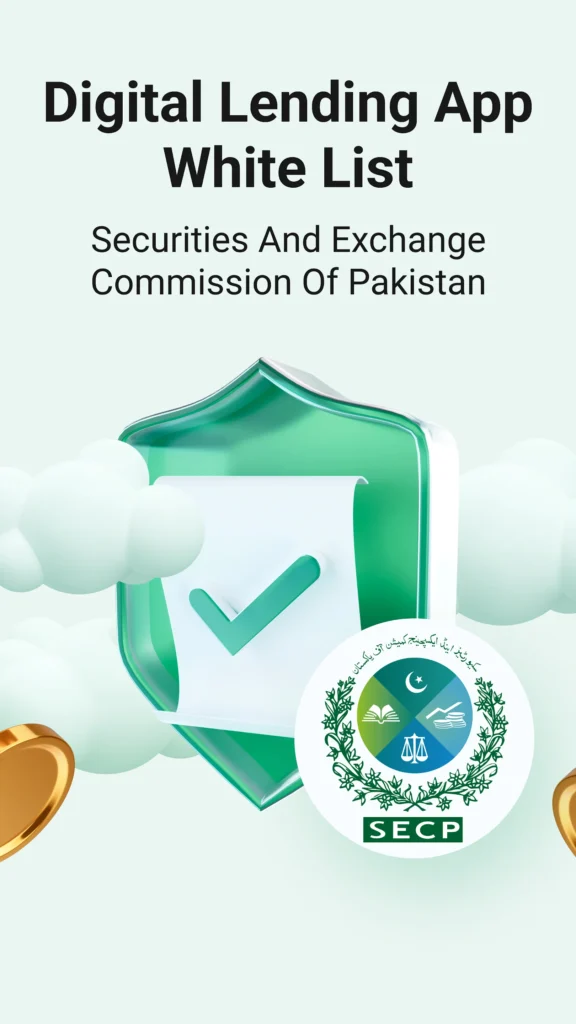
What is Barwaqt?
Barwaqt is an online loan app. It lets people in Pakistan get personal loans fast and safely. You can borrow up to 25,000 rupees anytime from your phone. All you need is your national ID card details and the app.
How Does Barwaqt Work?
Getting a Barwaqt loan is easy. Here are the steps:
1. Download the app from the Google Play Store on your smartphone.
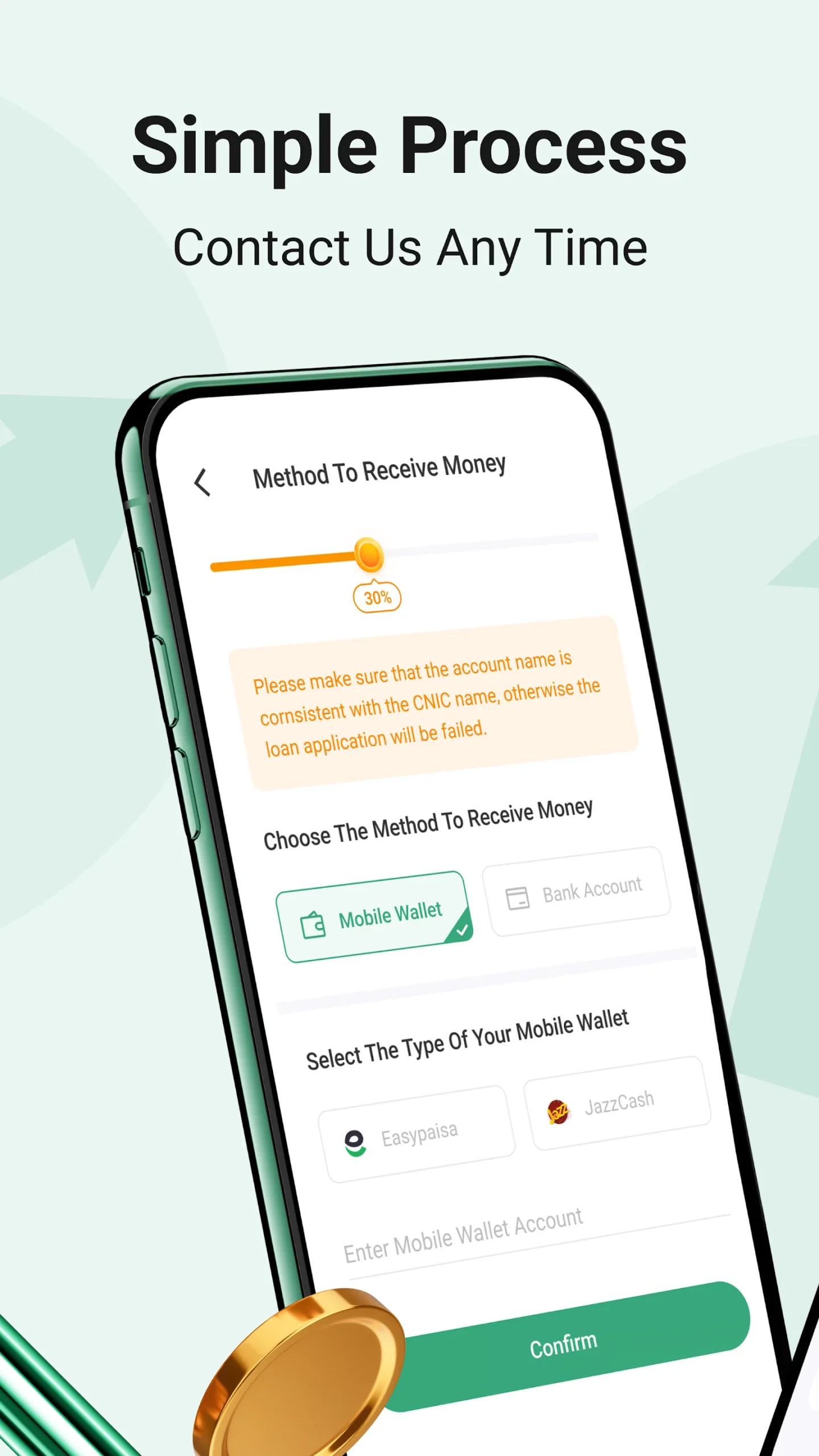
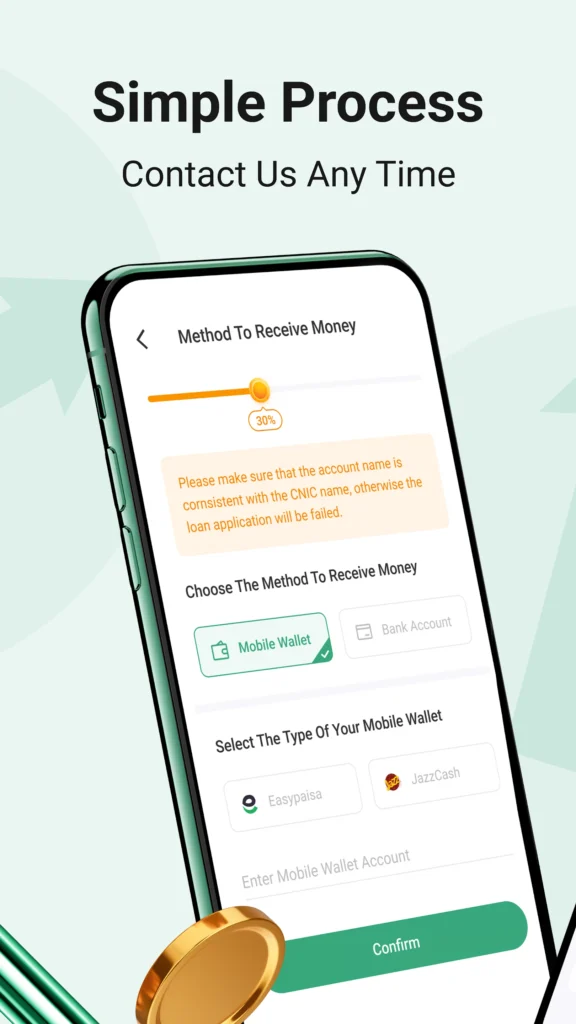
2. Enter basic information like your national ID details.
3. After verifying your information, apply for a loan amount and repayment period.
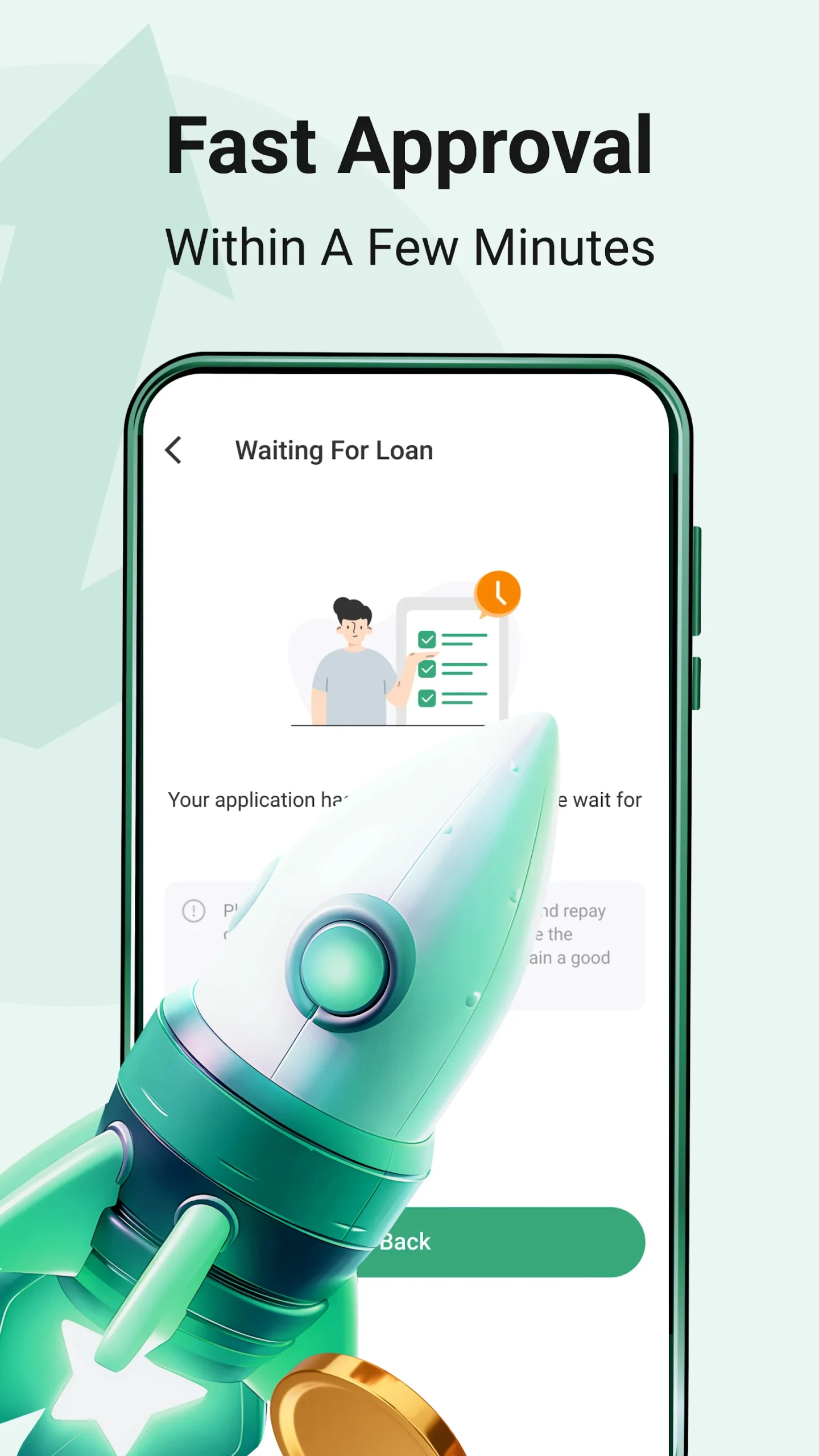
4. Approval Process: Barwaqt takes pride in its speedy approval process. With their modern paperless method, you won’t have to wait long to know if your loan has been accepted.
5. Receiving Funds: If your loan request is successful, the money will be transferred to your account with ease.
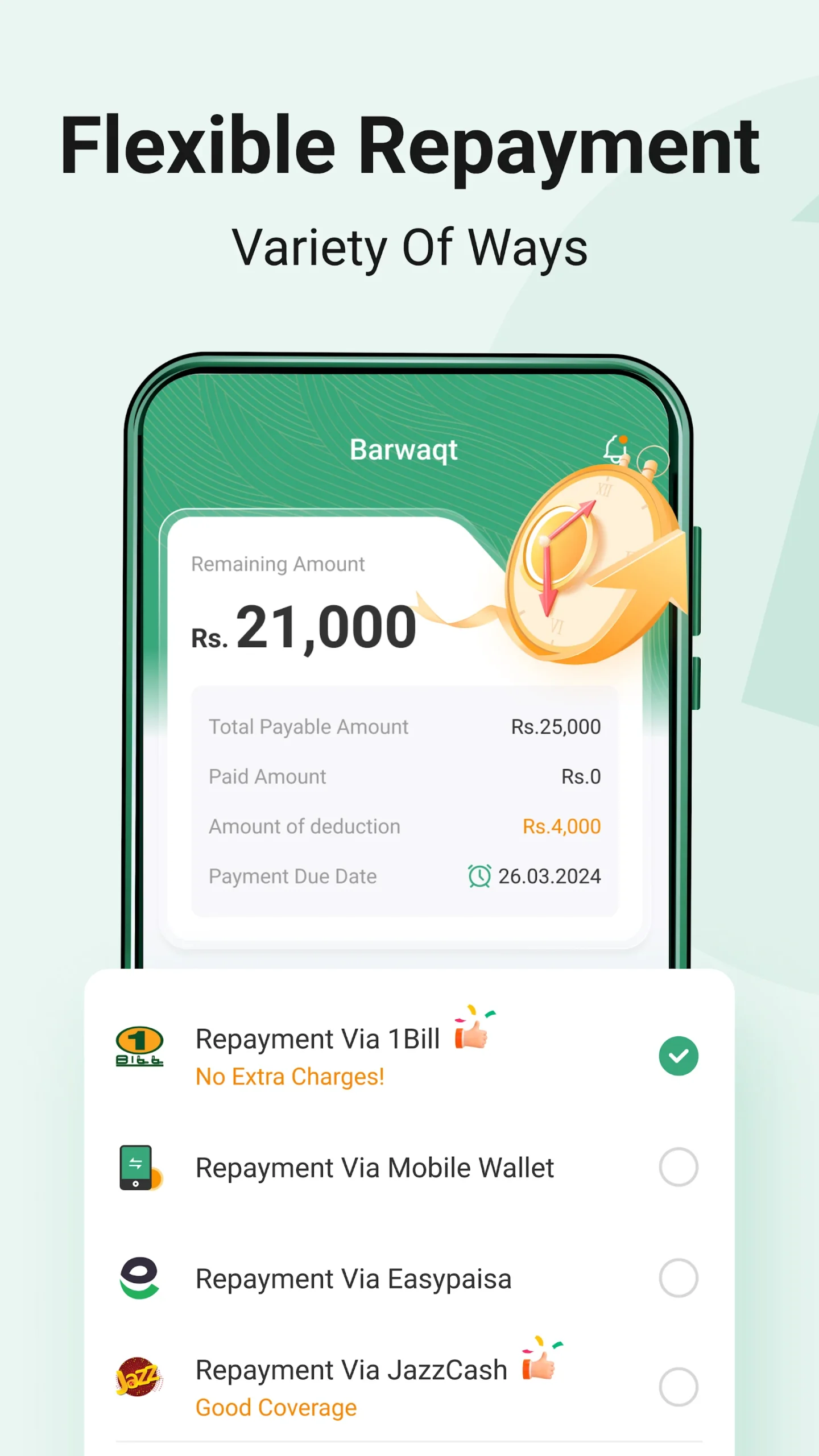
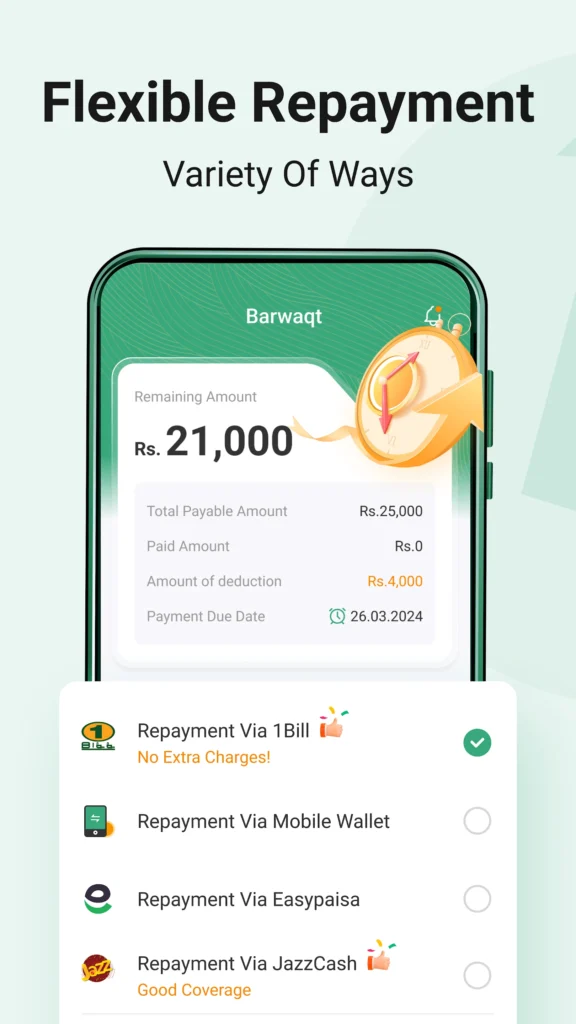
6. Repayment: Barwaqt has a distinct and reliable repayment process using a Token ID. You’ll utilize this ID to repay your loan in instalments. It’s crucial to remember that you should never pay your loan amount to any personal bank account or through Easypaisa/Jazz Cash accounts.
The Benefits of Using Barwaqt
There are several reasons why Barwaqt is becoming a popular choice for personal loans in Pakistan. Here are some of the advantages:
- No Collateral Needed: Unlike traditional banks, Barwaqt doesn’t require you to provide any collateral (like property or gold) to secure your loan.
- Fast and Convenient: The whole process, from application to receiving funds, is done online, saving you the time and effort of visiting a bank.
- Secure and Safe: Barwaqt ensures that all your personal information is kept secure and confidential.
- Low-Interest Rates: The interest rates offered by Barwaqt are competitive and lower than many other lending options, making it easier for you to repay the loan.
- Flexible Repayment: You can choose a repayment plan that fits your financial situation, which helps manage your budget effectively.

Things to Keep in Mind
Before you use Barwaqt, there are some important points to consider:
- Eligibility: Make sure you meet the requirements to apply for a loan.
- Understand the Terms: Read all the rules and conditions carefully. Learn about the interest rates, repayment schedule, and any fees.
- Repayment Responsibility: Be responsible with your loan. Borrow only what you need. Make sure you can pay it back on time.
- Avoid Scams: Always use the official Barwaqt app. Never pay personal accounts or unofficial channels.
Conclusion
Barwaqt is changing how people get personal loans in Pakistan. Its easy-to-use interface, fast approval, and secure platform make it a good option. You can use it for emergencies or when you need extra cash.
Remember, being responsible with loans is important. Use Barwaqt wisely. It can help you manage your finances well. If you need money quickly and easily, try Barwaqt. It could be the solution you’re looking for.
More About Barwaqt
| Name | Barwaqt |
|---|---|
| Package Name | com.loan.cash.credit.barwaqt.tez.paisa.jazz.financial.ready.easy |
| Category | Finance |
| Version | 2.0.0 |
| Size | 25.7 MB |
| Requires Android | 5.0 and up |
| Developer | Seedcred Financial Services Limited |
| Last Updated | 29 May 2024 |
How to Install Barwaqt
- Tap the download button and let the file finish.
- Open the file from your notifications or the Downloads folder.
- If Android asks, allow your browser to install unknown apps.
- Tap Install, then open the app.
FAQ'S
How to install Barwaqt on android phone?
Once you've downloaded the APK file, click on the downloaded file, then hit the "Install" button.
I am getting Play Protect warning while installing!
Some mod APK files might get a warning. You can ignore this warning and install the APK file. Follow these simple steps to turn off Play Protect: Open Google Play app > Click Profile Icon > Select Play Protect -> Setting > Turn off both "Scan apps with Play Protect" and "Improve harmful app detection" options.
How to update APK without losing the data?
To update APK without losing the data, you don't need to follow anything extra. Click on the downloaded APK file and click the "Install" button. The app will update automatically without loss of data.
How to fix problems while installing/opening?
Make sure you have downloaded the file correctly. The downloaded file extension must end with .apk file. If you face any package install error, redownloading the file may fix the issue.


















Ratings and reviews
There are no reviews yet. Be the first one to write one.